Capture
Capture screenshots your way
Grab screenshots however you want.
- Capture full tab
- Select any region
- Paste from clipboard
- Upload from your device
Fast and simple.

Capture browser tabs, windows, or your full screen, then send everything straight into Snapester's web editor for a clean final polish.
The extension handles capture. The website handles editing.
Real products. Real screenshots. Scroll to explore ↓
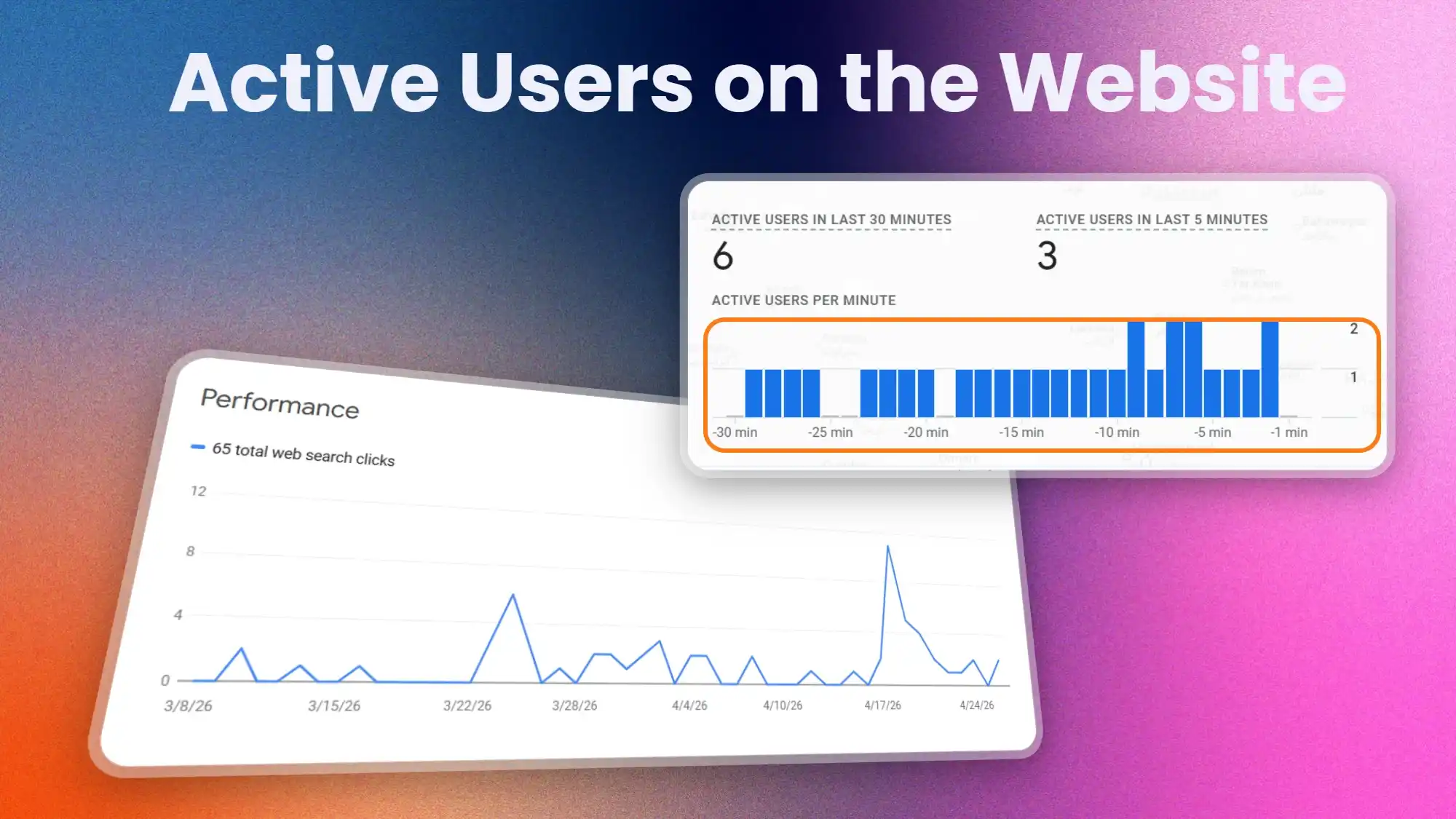
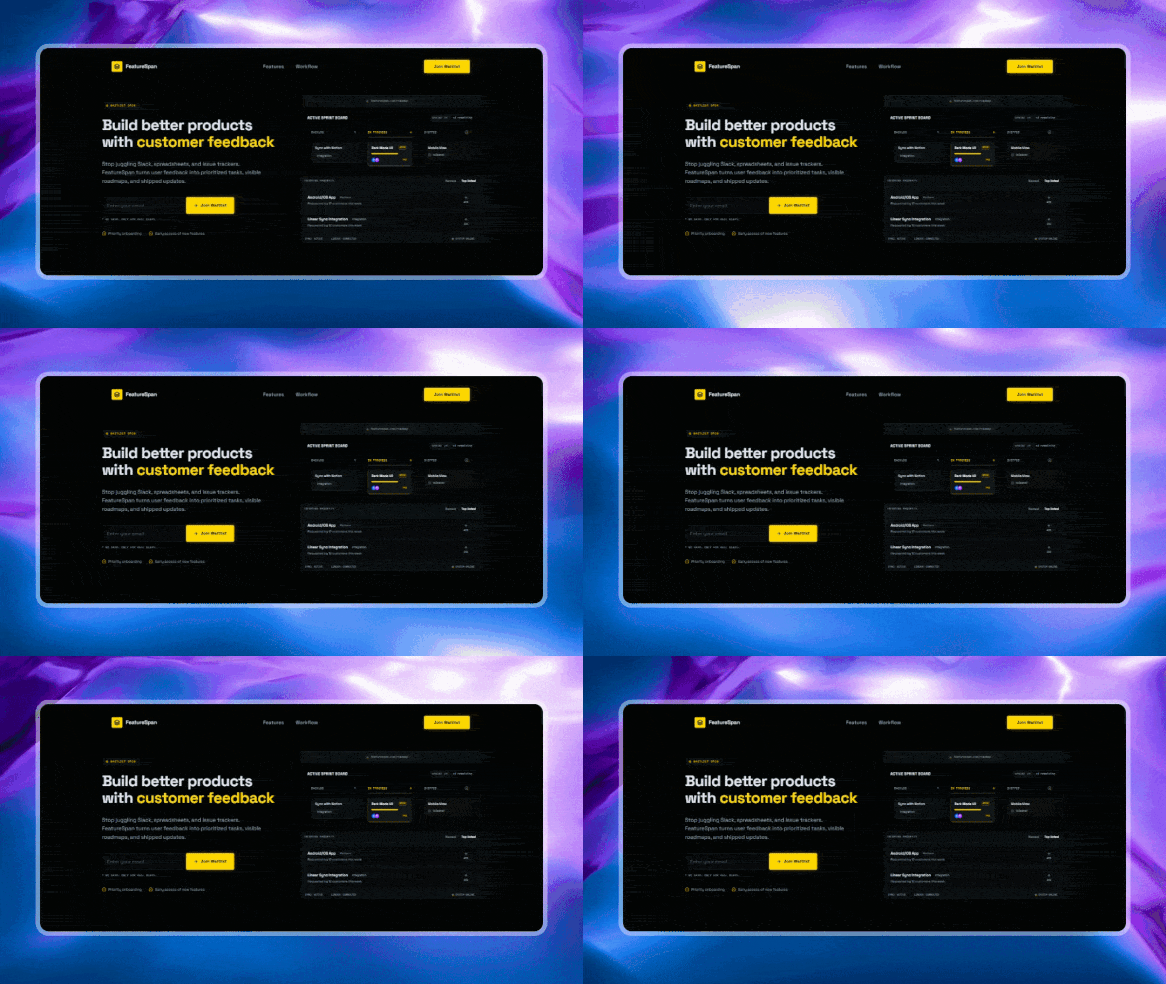
Scroll through the steps — watch the editor update live on the left.
Capture mode
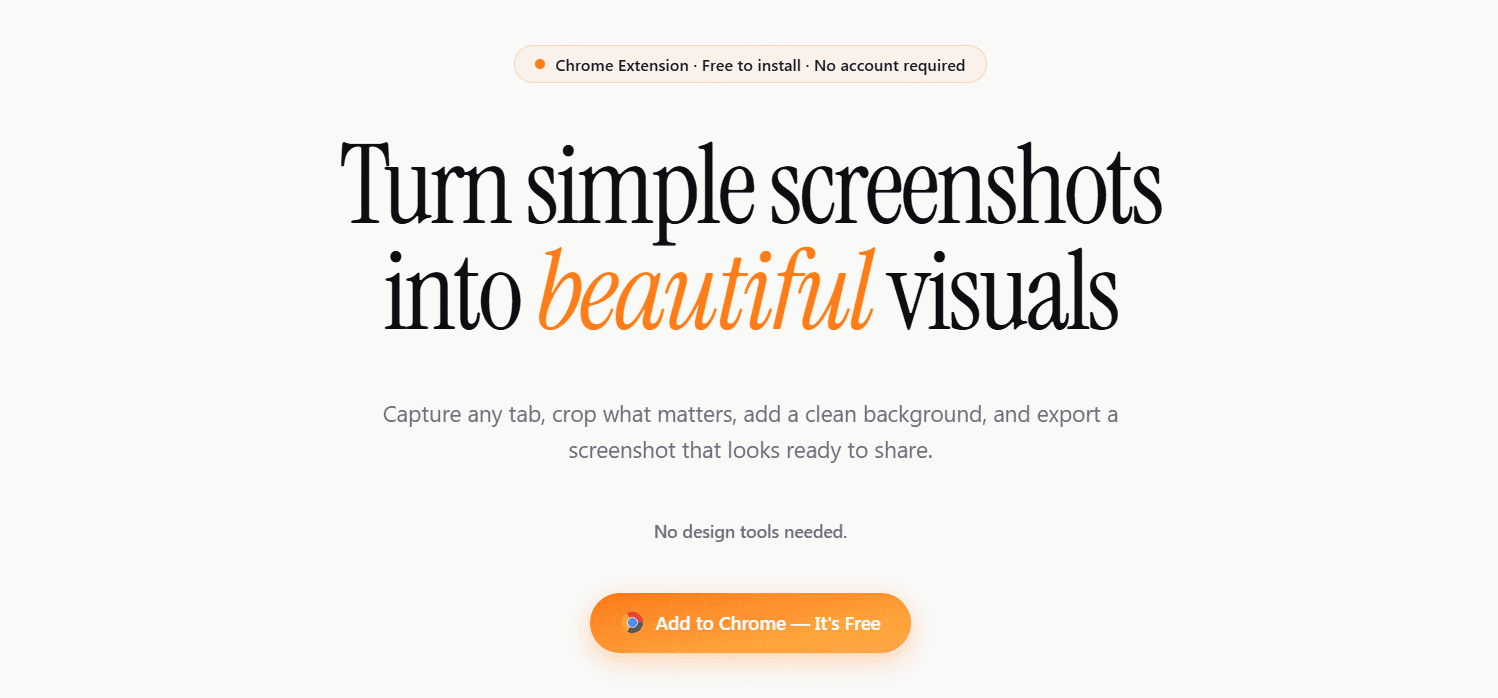
Grab screenshots however you want.
Fast and simple.
Still wallpapers, magic gradients, and curated solids from our catalog.
Pick Images or Gradients — preview updates instantly.
Dial in padding and corner radius so your screenshot sits cleanly on the canvas.
Add text, arrows, shapes, blur and emoji directly on the canvas.
Your screenshot automatically fits the format.
Download crisp PNG / JPG / WebP — or encode GIF and MP4 when you use a motion background.
Ready to share anywhere.
No design skills needed. Capture, style, and share in under a minute.
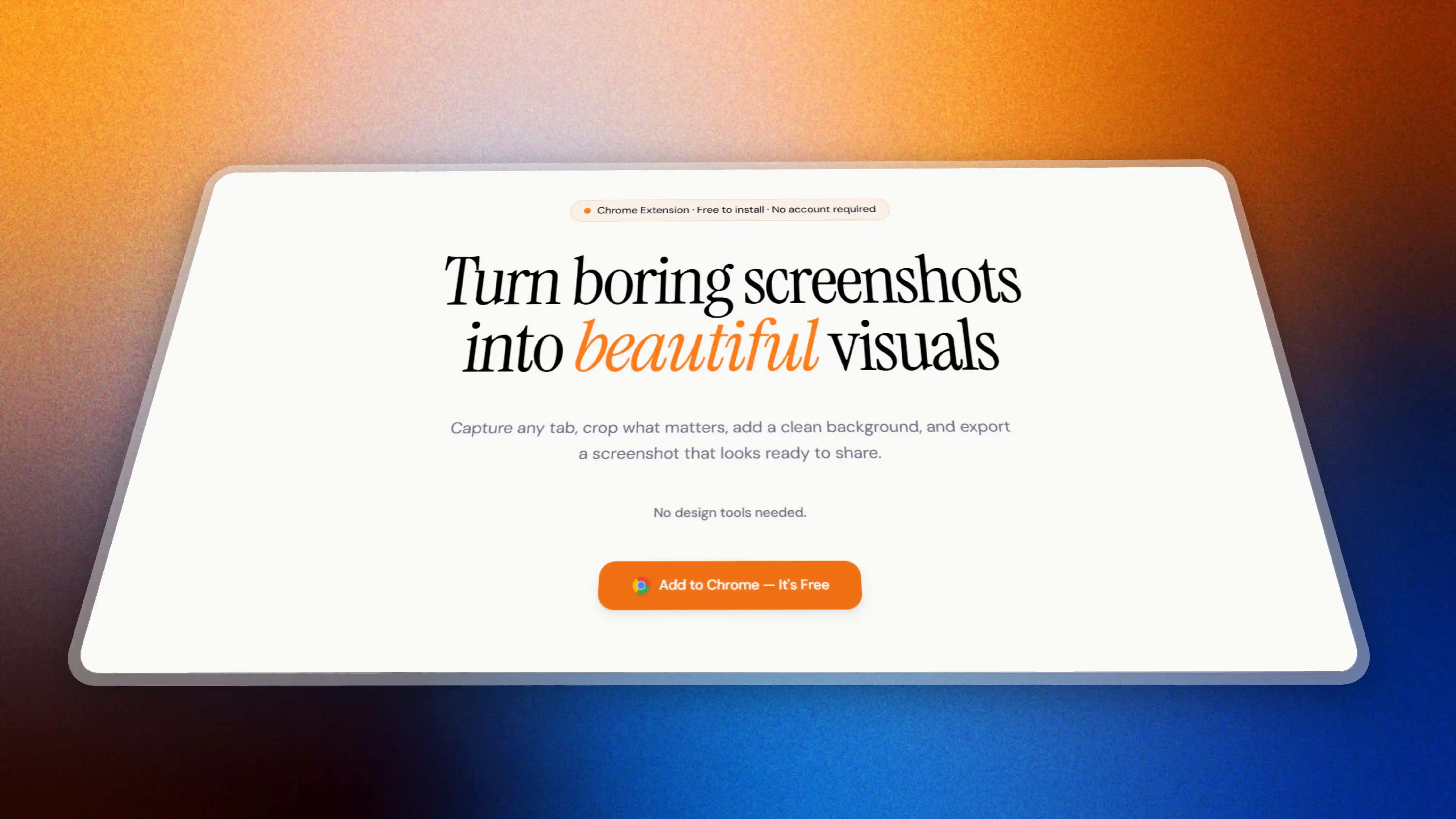
Add the Chrome extension in one click. No account required — just install and go.
Grab the full tab, select a region, paste from clipboard, or upload an image.
Add a background, tweak padding and shadows, pick a format, then export.
Real people sharing their experience with Snapester on .

@vamshi_builds
I want to take a moment and appreciate Shyam for building snapester it's helping me daily, it's simple yet powerful, I love the copy to clipboard feature man because I hate downloading 👏

@MicroLaunchHQ
A must for socials 🙌

@AlexAlwaysCodes
Just used Snapester and I like it! Was really easy to use and make screenshots look more polished and not some half assed capture, guess I found my new screenshot tool

@TulioSousapro
It's awesome! You should pack it as a free resource on a record tool.

@satya5614
Love this! As someone who’s built a Chrome extension myself. Snapester looks polished and the background options are a nice touch.

@kalashvasaniya
Snapester UI is also soooo clear dude

@minnns_aheya
This is really good for making clean demo screenshots

@fywox
OMG, this is actually 🔥!

@Dynamic_0n_X
Looks sick! Great idea. Making Screenshots visually appealing. 🌟

@mankaff_
This looks good!, i like you made it as extension

@OutreachPilot
dude this is sick!

@msyed_
You have actually solved a real-world problem, hence you are getting the users. Amazing!

@skar_connect
This is awesome man.
Start free, try Pro for 7 days, or unlock lifetime access when you are ready.
Only 4 spots left at $9
Don't miss this — next price is $15
Free
No account required.
Pro (Lifetime)
Try every Pro feature free for 7 days, or pay once for lifetime access.
No credit card required
Payments managed by Dodo Payments
Yes. Snapester is free to install, and the Free plan includes 10 exports per month so you can try the full workflow.
Open the extension and click the Sync button. This will open the login flow and connect your Snapester account to the extension.
Snapester is built for Chrome and works on other Chromium-based browsers like Brave too.
Yes. Free exports include a subtle Snapester watermark. The Pro plan removes it completely.
Free includes PNG export only. Pro unlocks PNG, JPG, WEBP, plus GIF and MP4 video exports with higher resolution options.
Click Try 7-day Pro free on the pricing section or billing page. You get full Pro access for 7 days with no credit card required. It is a one-time offer per account. After the trial, you can upgrade to lifetime Pro anytime.
Yes. Pro is a lifetime purchase, so you pay once and keep every future update.
You can request features anytime from the dashboard feedback icon on the bottom right side, or send a direct message on X to @buildwithshyam.
Install Snapester and elevate every capture into a beautifully framed, presentation-ready visual in seconds.